⚡ MODS & ADDONS

Minecraft Mods Download

Explore and download the best Minecraft Mods and Add-ons for Java, Bedrock, and PE. Furniture, farming, weapons, shaders, maps, and more.

Showing 1-12 of 15 mods & add-ons
Total Mods
12
Add-ons
3
Downloads
275M+
Avg Rating
4.8★
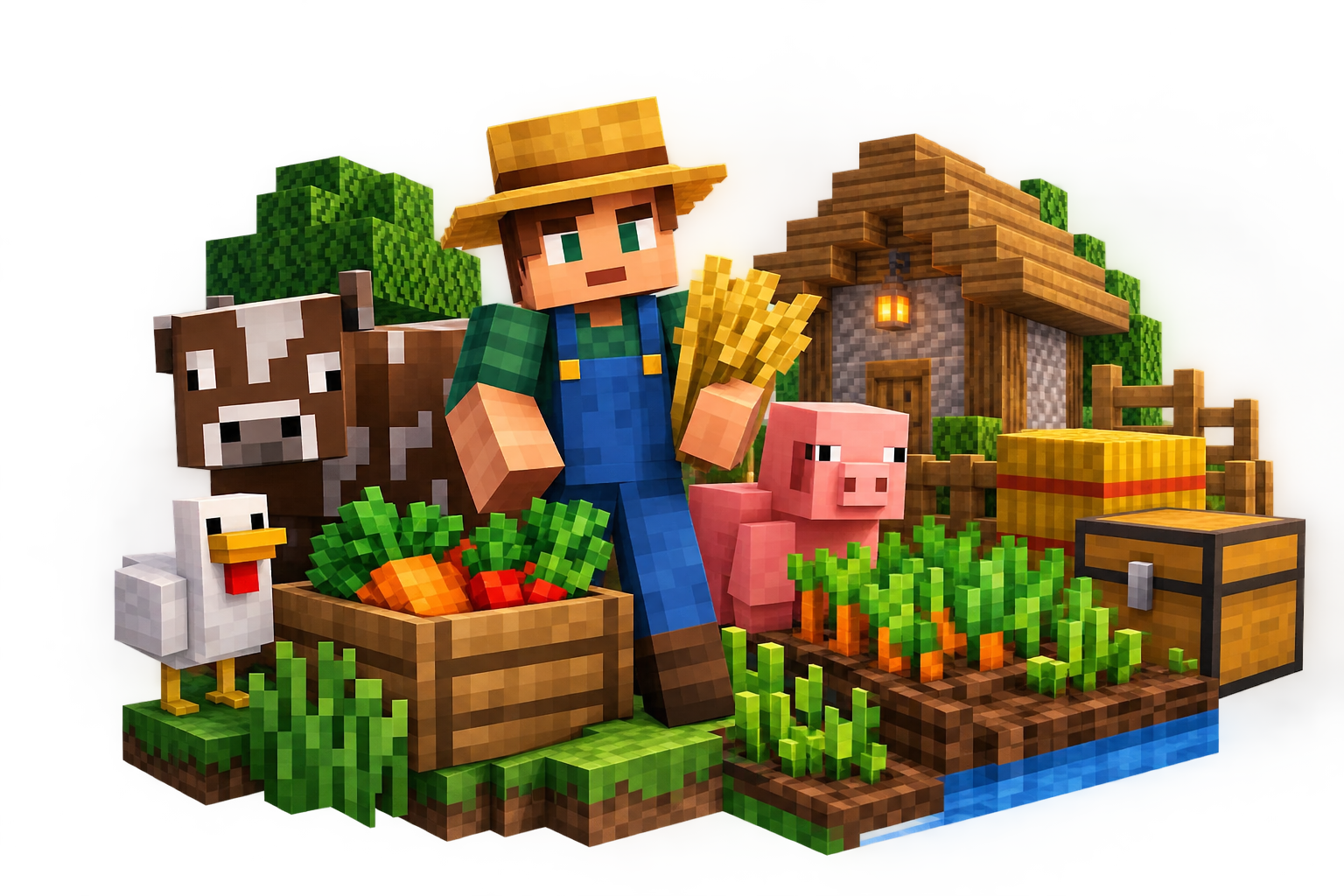
Farmer's Delight Mod

Farmer's Delight

By vectorwing
Expand farming and cooking with new cooking blocks, recipes for sandwiches, salads, stews, desserts, and feasts. Includes compost for faster crop growth and guided advancements.
Farming ⬇ 45M+ 1.21.x
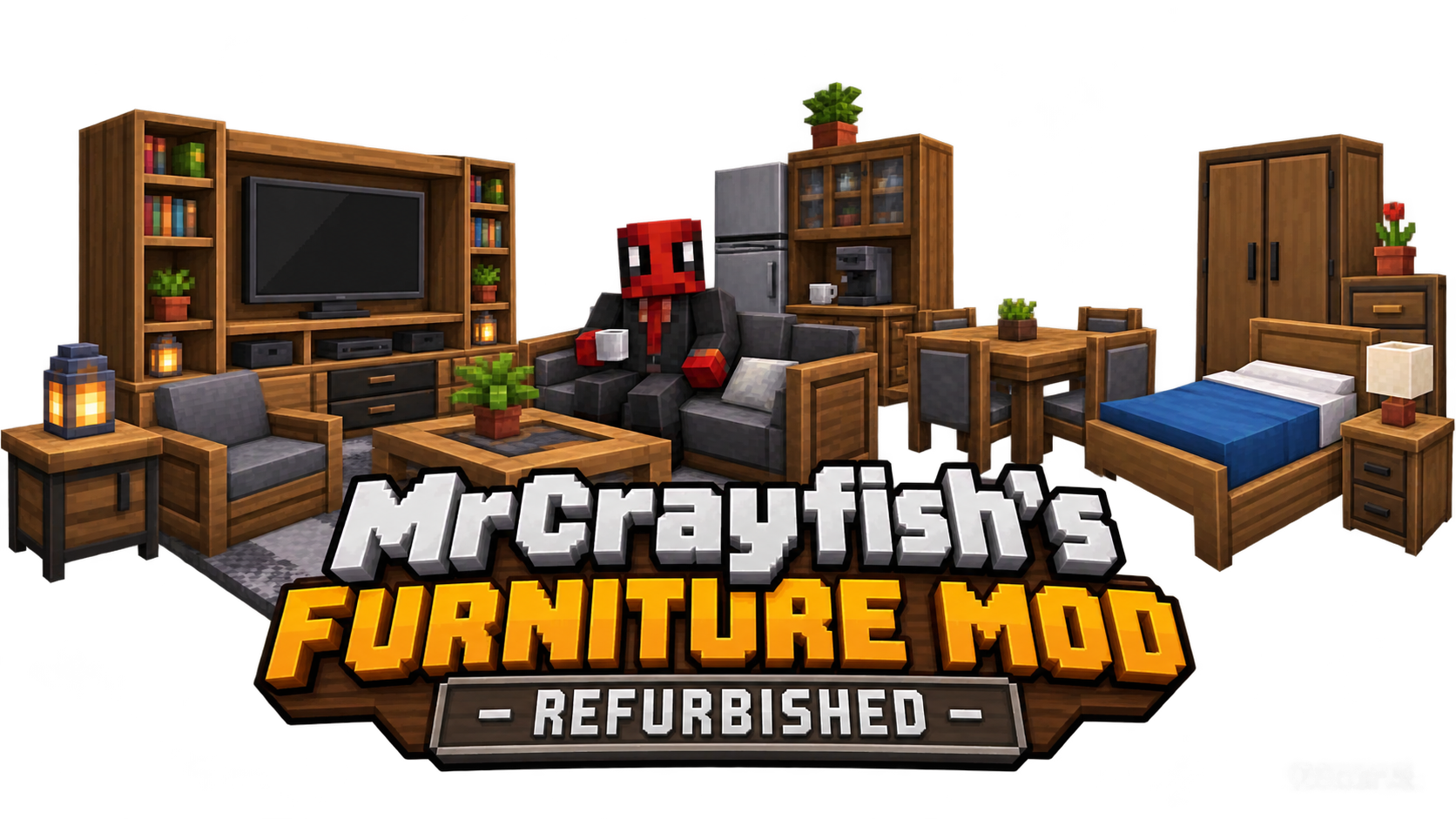
MrCrayfish's Furniture Mod

MrCrayfish's Furniture Mod: Refurbished

By MrCrayfish
Adds over 440 functional and decorative items with custom models, sound effects, an electricity system, a mailbox, and an in-game computer. Perfect for interior design.
Furniture ⬇ 34M+ 1.21.x
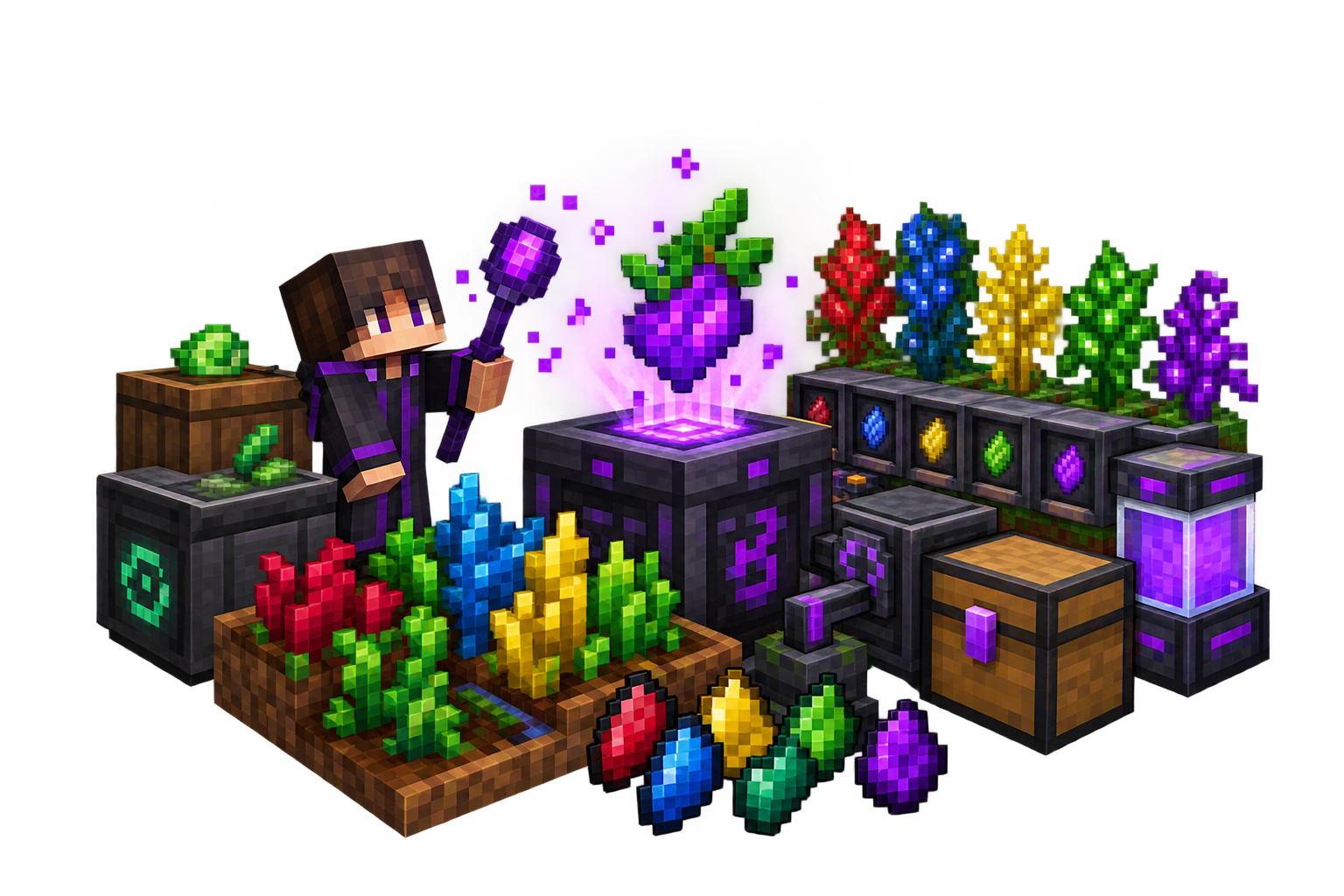
Mystical Agriculture Mod

Mystical Agriculture

By BlakeBright
Grow resources like dirt, redstone, and leather as crops. Includes Growth Accelerators, Scythes, an auto Harvester, and processing blocks like the Enchanter.

Farming ⬇ 28M+ 1.21.x
JourneyMap Mod

JourneyMap

By techbrew
Real-time map display with coordinate sharing and waypoints. Essential utility mod for navigation and exploration.

Utility ⬇ 50M+ 1.21.x
Ice & Fire Mod

Ice & Fire

By alexthe666
Adds dragons, mythological creatures, and unique boss fights. A large fantasy mod that expands adventure and exploration.

Fantasy ⬇ 32M+ 1.20.1
When Dungeons Arise Mod

When Dungeons Arise

By Aureljz
Generates 30+ massive dungeons, castles, and ruins across the overworld. Adds challenging structures filled with loot and mobs.

Adventure ⬇ 20M+ 1.21.x
Stellarity Mod

Stellarity

By Kohara
Provides a complete overhaul to the End with 23 new biomes, 40+ new items, expanded alchemy, and advanced late-game progression.
World Gen ⬇ 15M+ 1.21.x
Croptopia Mod

Croptopia

By epicsquid
Adds 58 crops, 26 fruit trees, and over 250 foods. Includes a guidebook for easy reference, perfect for farming enthusiasts.

Farming ⬇ 12M+ 1.21.x
Ultimate Car Mod

Ultimate Car Mod

By Max Henkel
Adds cars, road construction, and a biodiesel fuel system. Includes vehicle sounds, damage indicators, speedometer, and luggage space.
Vehicles ⬇ 10M+ 1.21.x
Jobs+ Mod

Jobs+

By DAQEM
Adds RPG-style progression with jobs like miner, farmer, builder, and alchemist. Earn job coins to unlock skill trees and perks.

RPG ⬇ 8M+ 1.21.x
Serene Seasons Mod

Serene Seasons

By Adubbz
Adds changing seasons with grass and foliage color shifts. In winter, snow falls in new biomes and crop growth slows down for realism.
Environment ⬇ 7M+ 1.21.x
BedrockIfy Mod

BedrockIfy

By juancarloscp52
Brings Bedrock Edition features to Java: third-person eating animations, 3D fishing hook, Bedrock cauldrons, and position overlay.
Quality of Life ⬇ 5M+ 1.21.x

Minecraft Add-ons (Bedrock/PE)

Add-ons are customizations for Bedrock Edition. Download and install these `.mcaddon` files to enhance your gameplay.
Furniture Add-on

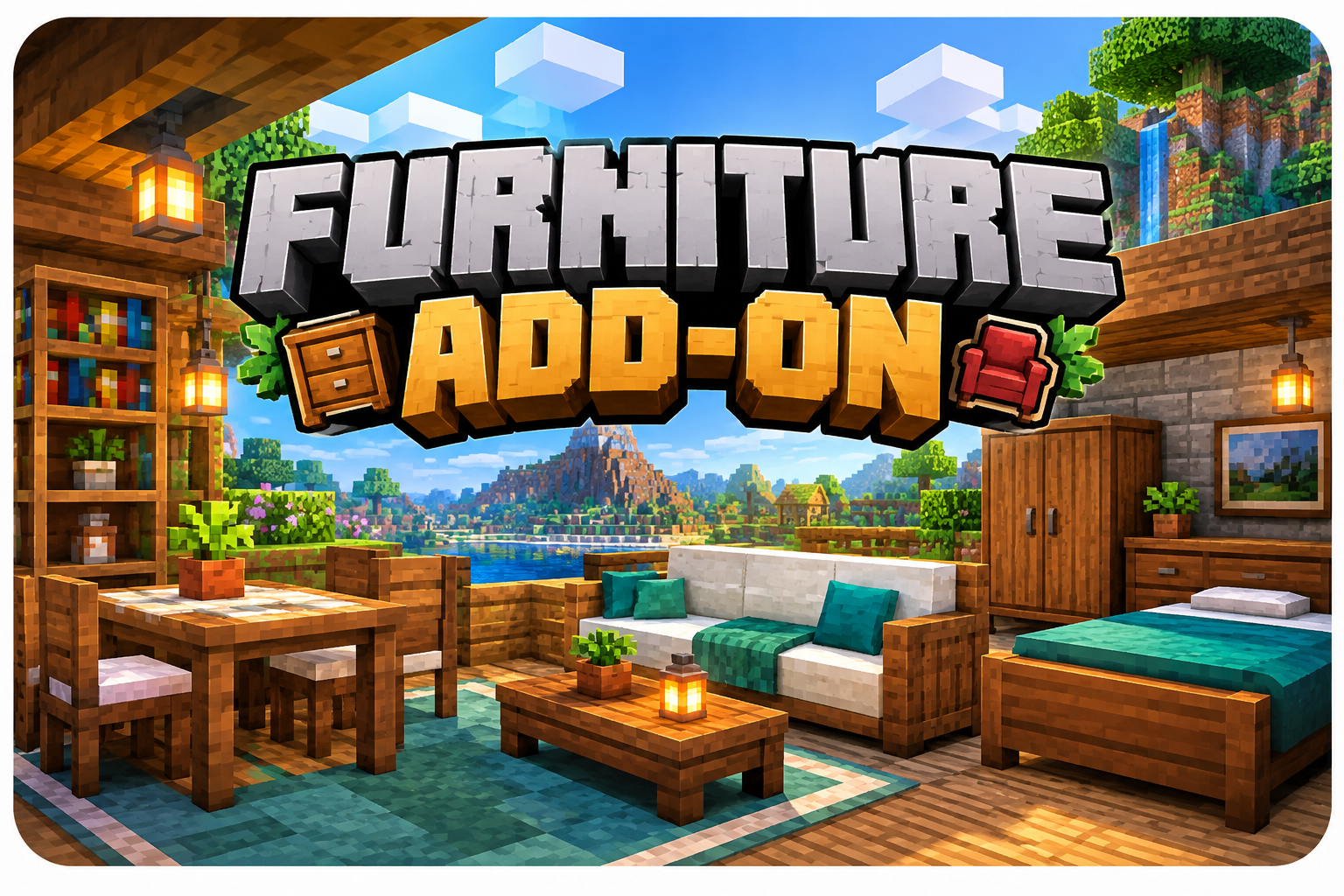
Furniture Add-on

By CraftHub
Add realistic sofas, tables, chairs, and more to your Bedrock world. Perfect for interior design.
Furniture ⬇ 10M+ 1.21.x
Weapons Add-on

Weapons Add-on

By CraftHub
Add guns, swords, and grenades to your Bedrock world. Perfect for PvP and survival gameplay.

Weapons ⬇ 8M+ 1.21.x
Zombie Add-on

Zombie Apocalypse Add-on

By CraftHub
Transform your world into a zombie apocalypse with new zombies, weapons, and survival challenges.
Adventure ⬇ 5M+ 1.21.x

What Are Minecraft Mods?

Minecraft Mods are custom add-ons that introduce new features, items, mechanics, and experiences into the game. They allow you to customize your world, enhance gameplay, and explore new possibilities.

From furniture and weapons to shaders and maps, there are thousands of mods available for every playstyle.

Why Use Minecraft Mods?

  • Enhanced Gameplay: Mods add new mechanics, items, and features that aren't in vanilla Minecraft.
  • Visual Improvements: Shaders and texture packs transform the look of your world.
  • Customization: Personalize your game with unique mods for furniture, weapons, and more.
  • Multiplayer Fun: Play with friends using the same mods and explore new adventures.

How to Install Minecraft Mods

For Java Edition (Fabric/Forge/NeoForge):

  1. Download Forge or Fabric matching your Minecraft version.
  2. Run the Installer and select "Install Client".
  3. Open the Mods Folder in your Minecraft directory.
  4. Copy the .jar File into the mods folder.
  5. Launch Minecraft with the Forge/Fabric profile.

For Bedrock/PE (.mcaddon):

  1. Download the Addon from a trusted source.
  2. Tap the File — Minecraft automatically imports it.
  3. Enable in World Settings — Go to Add-ons → Select the pack → Enable it.

Frequently Asked Questions

Yes, most mods have crafting recipes that use vanilla resources. You can craft modded items in survival mode without any issues.

Yes, but all players must have the same mods installed. If one player has a mod and another doesn't, the modded items won't work for the other player.

No, most mods are lightweight because they add static items rather than animated entities. Performance remains smooth even on mobile devices.

Yes, most mods are compatible with each other. You can use furniture mods and weapon mods together to create a fully customized experience.

⬇️ Minecraft Mods Download

Click the button below to download the latest Mod for Bedrock/PE.

⬇️ Download Mods