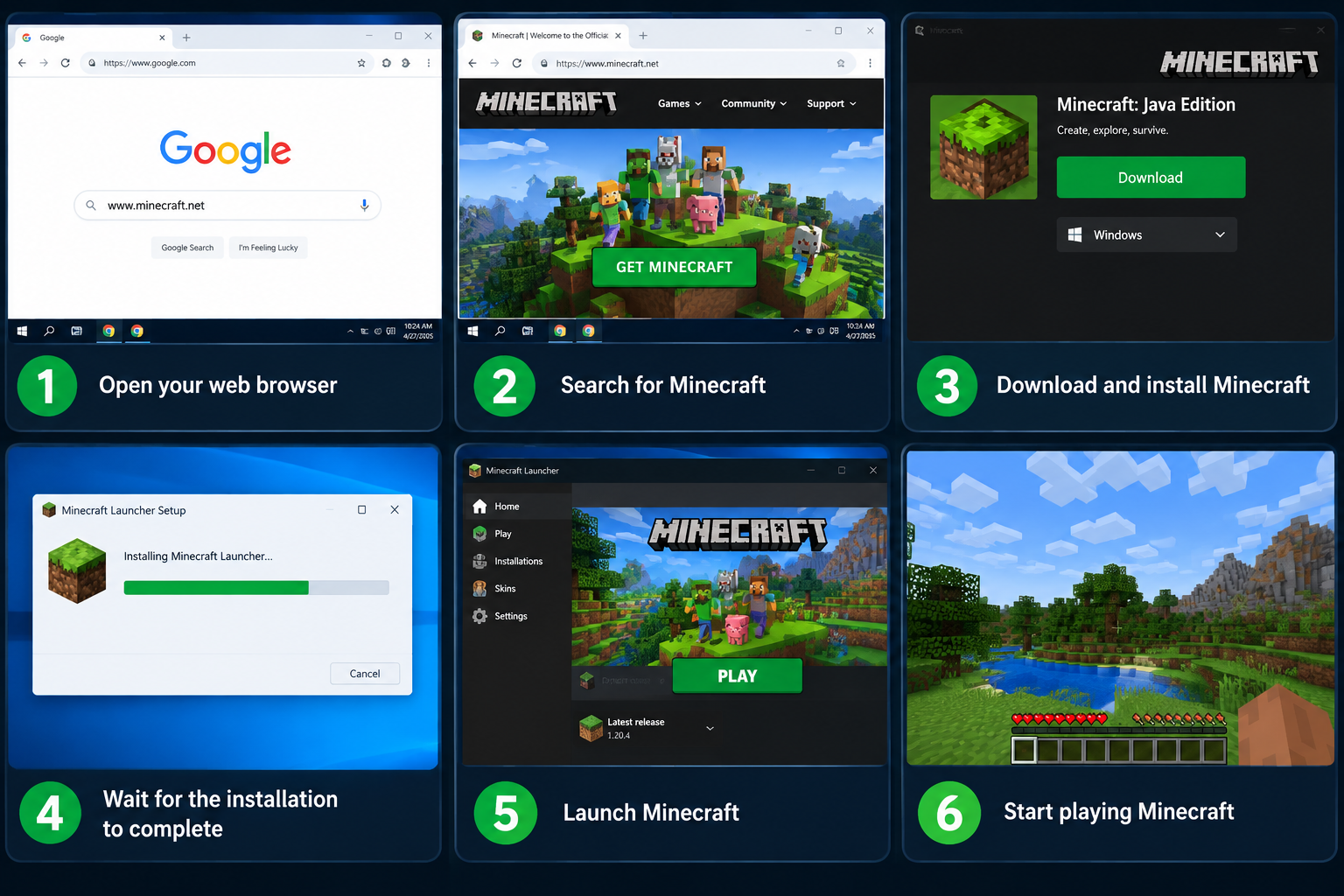
How to Install Minecraft
Step-by-step guide to install Minecraft on Windows, Mac, Linux, Android, and iOS.
Read Tutorial →
Minecraft Survival Tips
Learn essential survival tips, crafting, building, and mob-fighting strategies.
Read Tips →
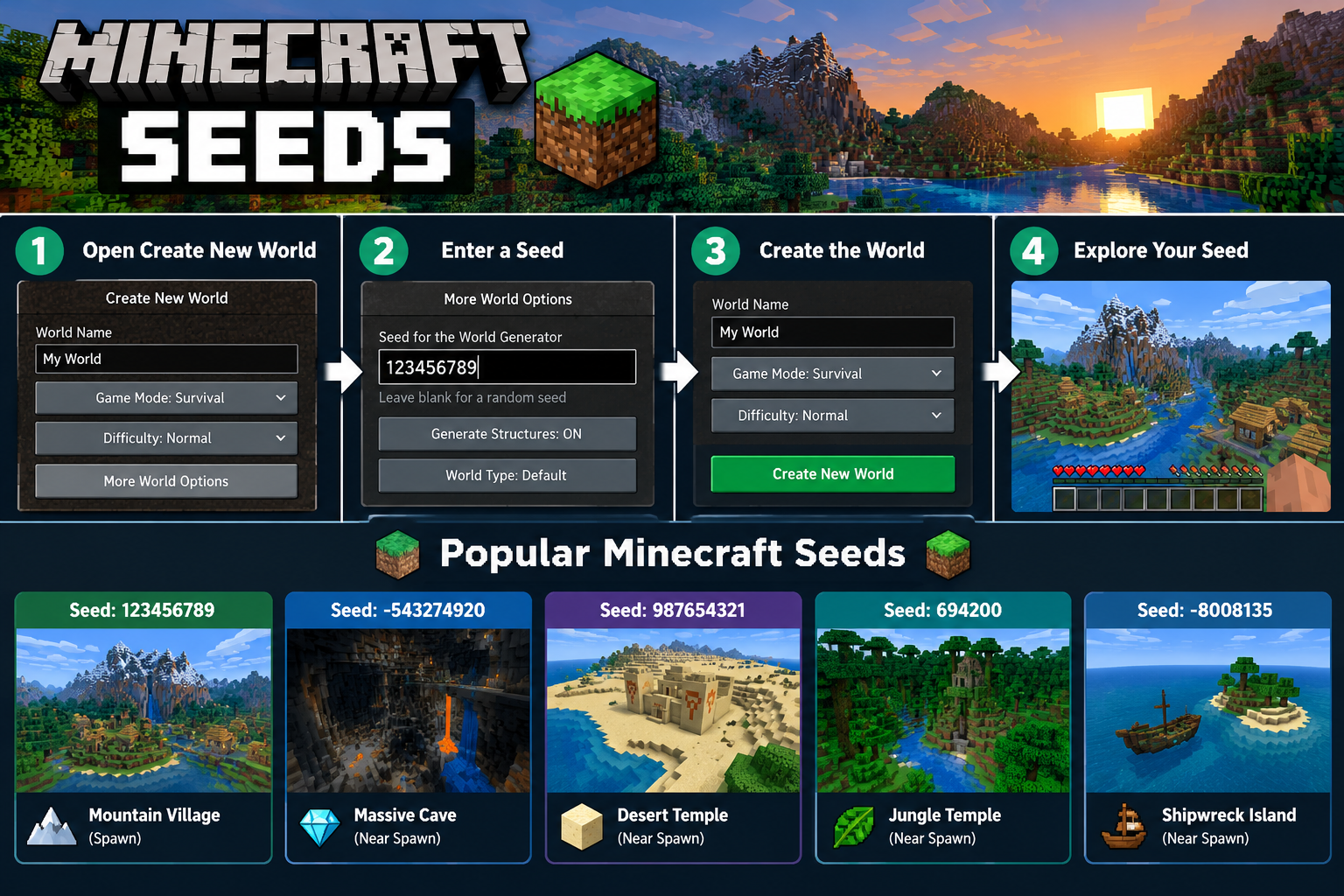
Minecraft Seeds
Discover the best seeds for villages, mountains, oceans, and rare structures.
Read Guide →
Minecraft Shaders
Enhance your game with stunning realistic lighting, shadows, and water effects.
Read Guide →
Minecraft Mods
Learn how to install, manage, and use mods for Java, Bedrock, and PE.
Read Guide →
Minecraft Add-ons
Discover how to use add-ons and behaviour packs to customize your world.
Read Guide →
Minecraft Updates
Stay updated with the latest Minecraft versions, features, and changes.
Read Guide →
Minecraft Beginner Tips
New to Minecraft? Start here with essential tips and tricks for beginners.
Read Tips →
Minecraft Building Tips
Learn essential building techniques, modern houses, and creative designs.
Read Tips →
Minecraft Farming Tips
Learn how to grow crops, breed animals, and create automated farms.
Read Tips →
Minecraft Redstone
Learn redstone basics, circuits, and create amazing automated machines.
Read Guide →
Minecraft Enchanting
Learn how to enchant weapons, armor, and tools to become powerful.
Read Guide →
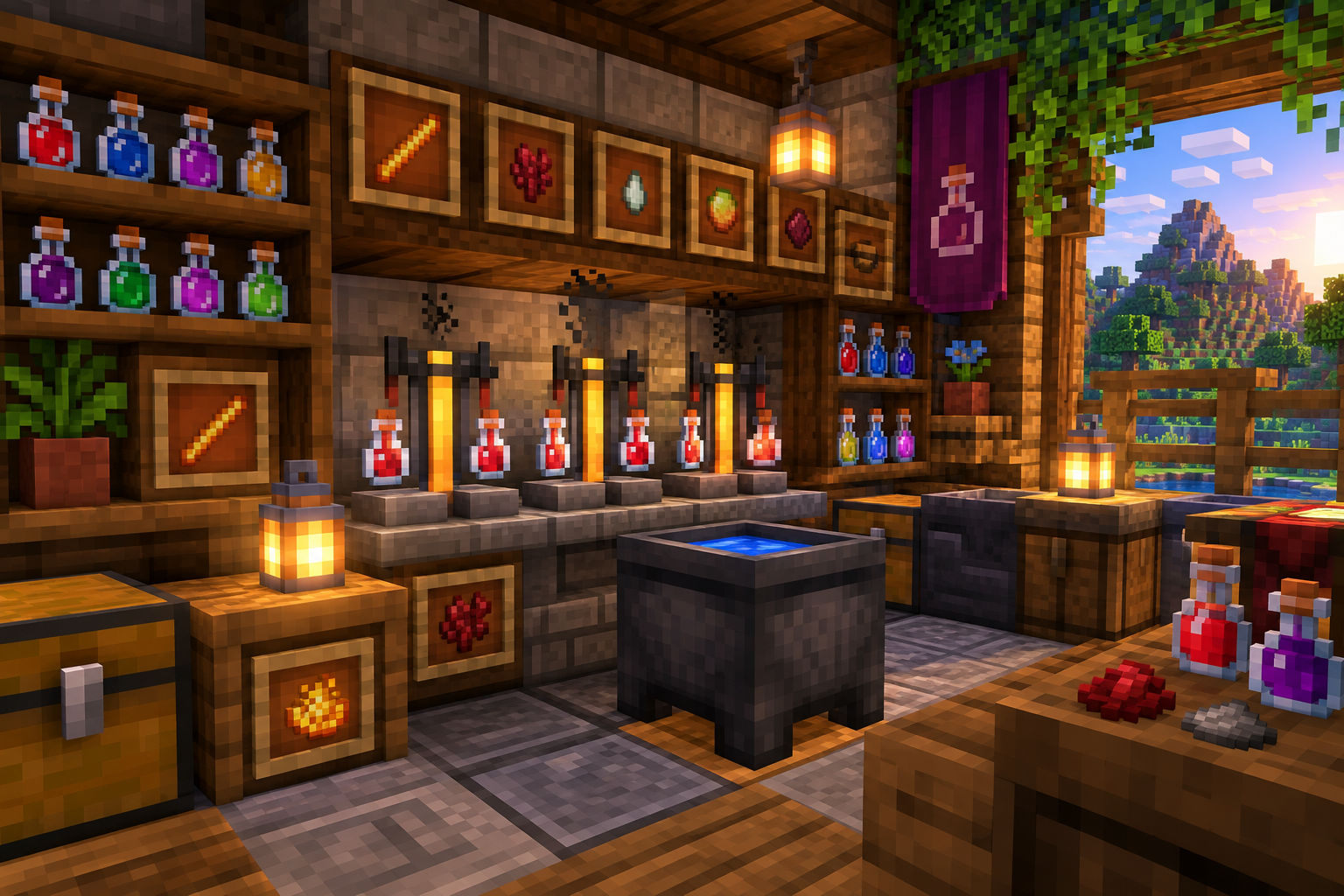
Minecraft Brewing
Learn how to brew potions for healing, strength, invisibility, and more.
Read Guide →
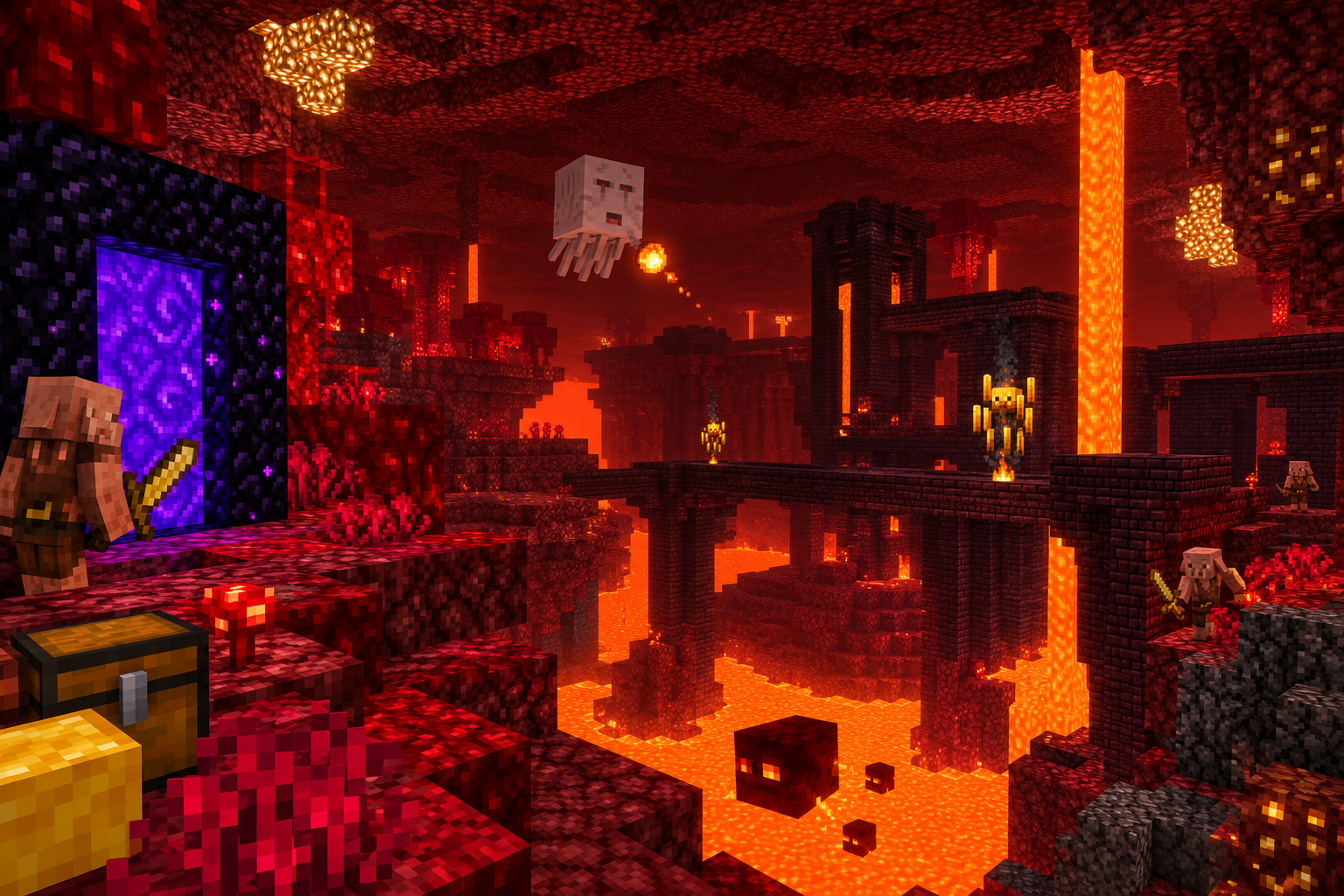
Minecraft Nether
Learn how to survive the Nether, find fortresses, and get Netherite.
Read Guide →
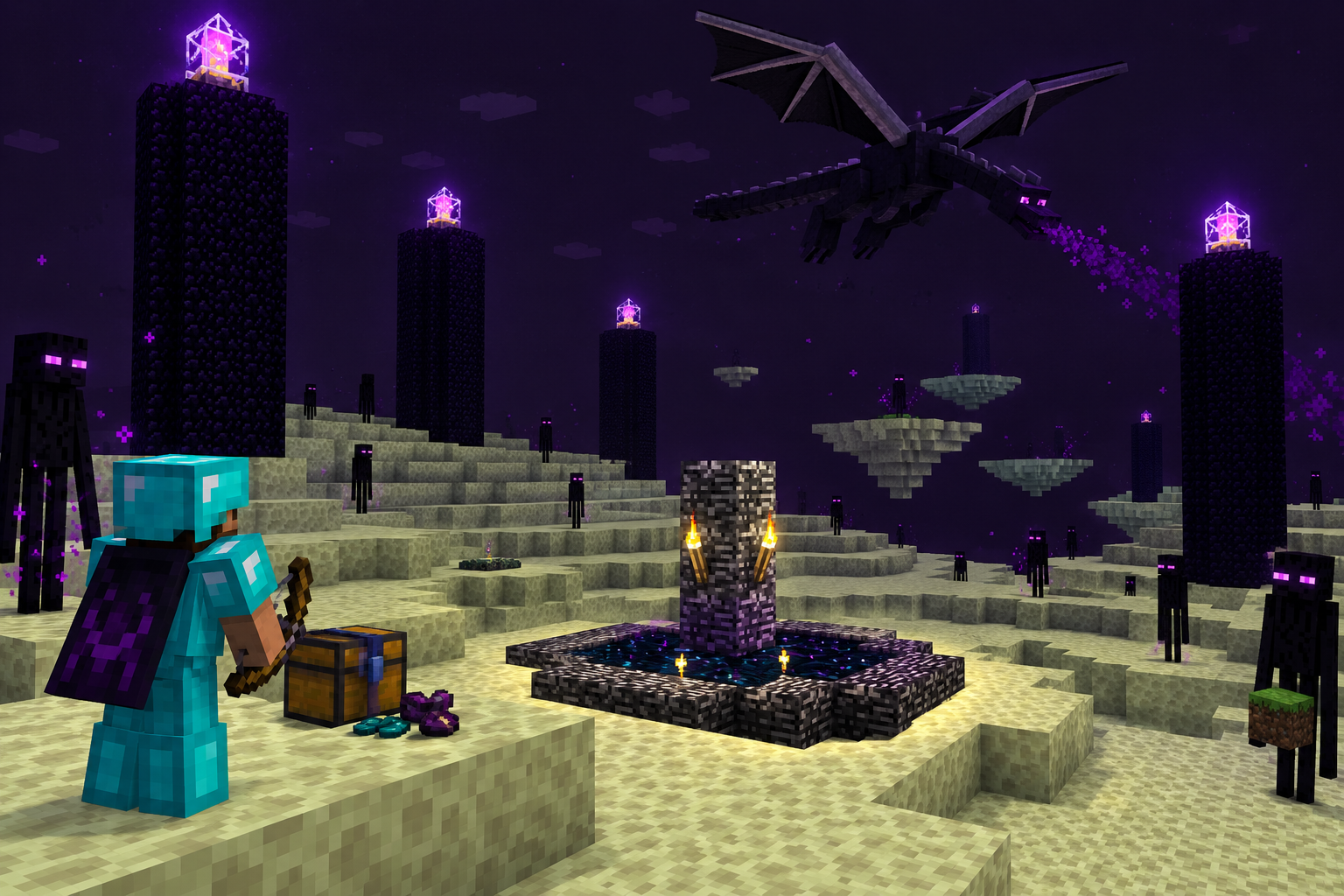
Minecraft End
Learn how to defeat the Ender Dragon, explore the End, and get Elytra.
Read Guide →
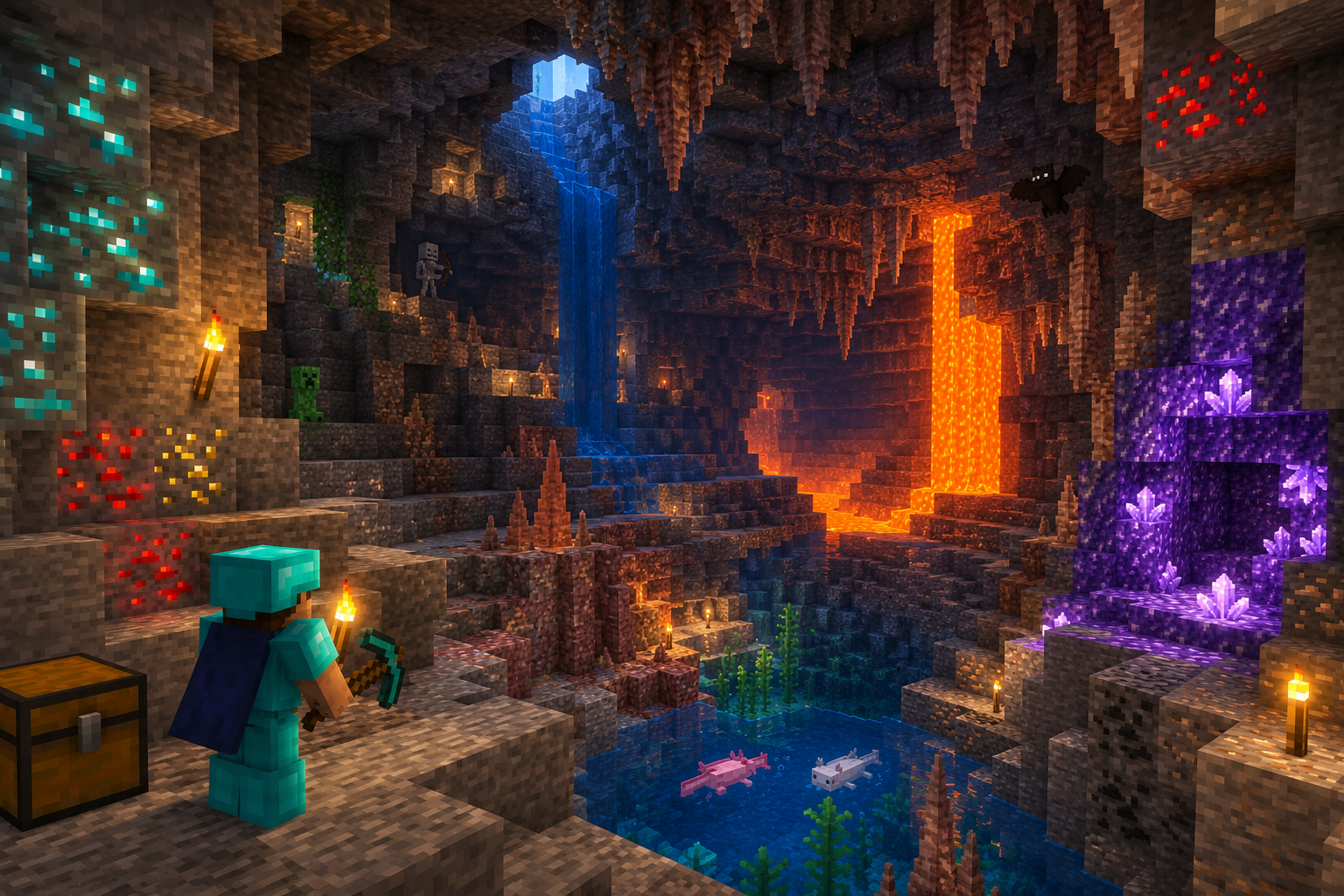
Minecraft Caves
Discover the best mining techniques, cave biomes, and rare ores.
Read Guide →
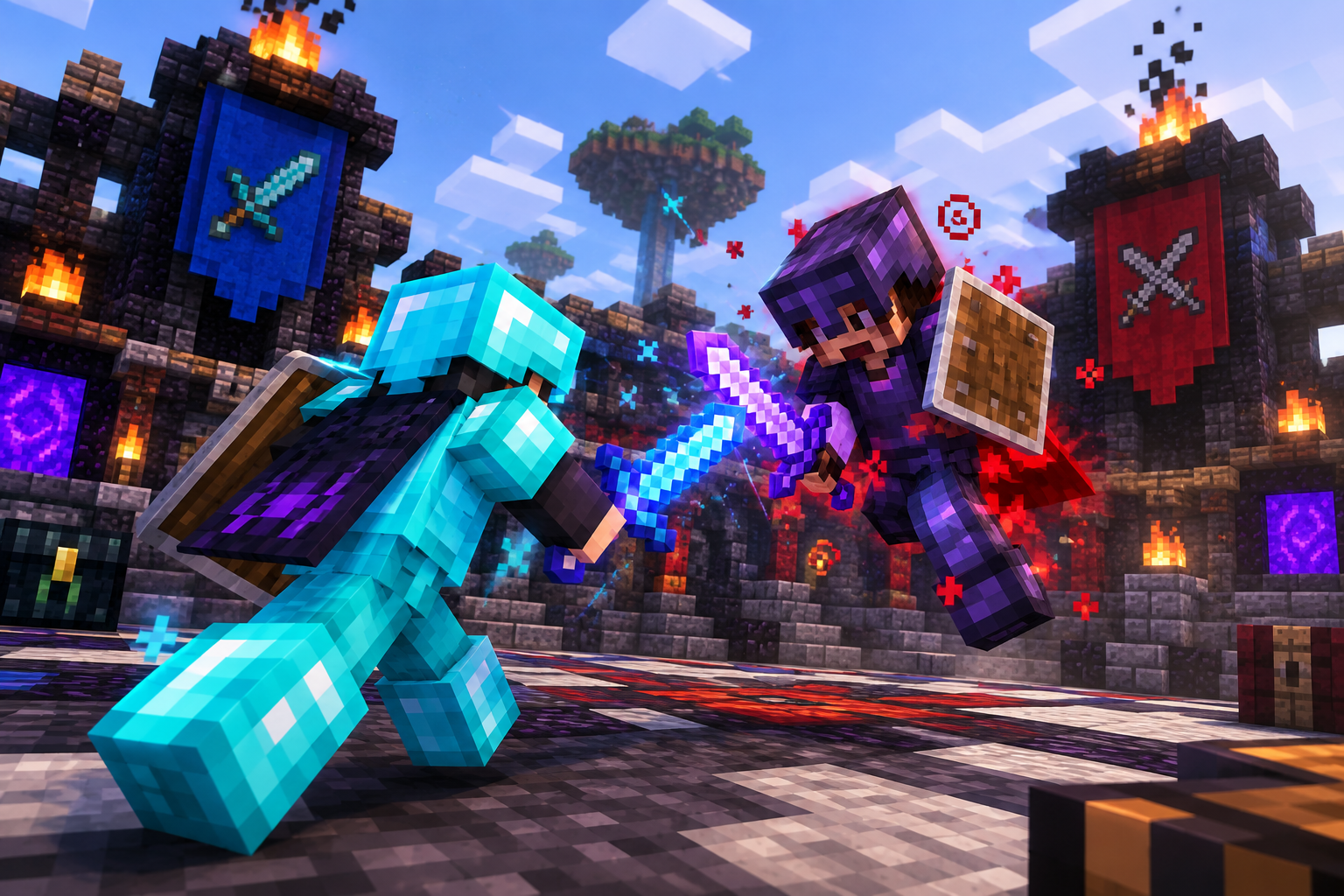
Minecraft PvP
Learn advanced PvP techniques, PvP servers, and competitive strategies.
Read Guide →
Minecraft Multiplayer
Learn how to play with friends, create servers, and join multiplayer worlds.
Read Guide →
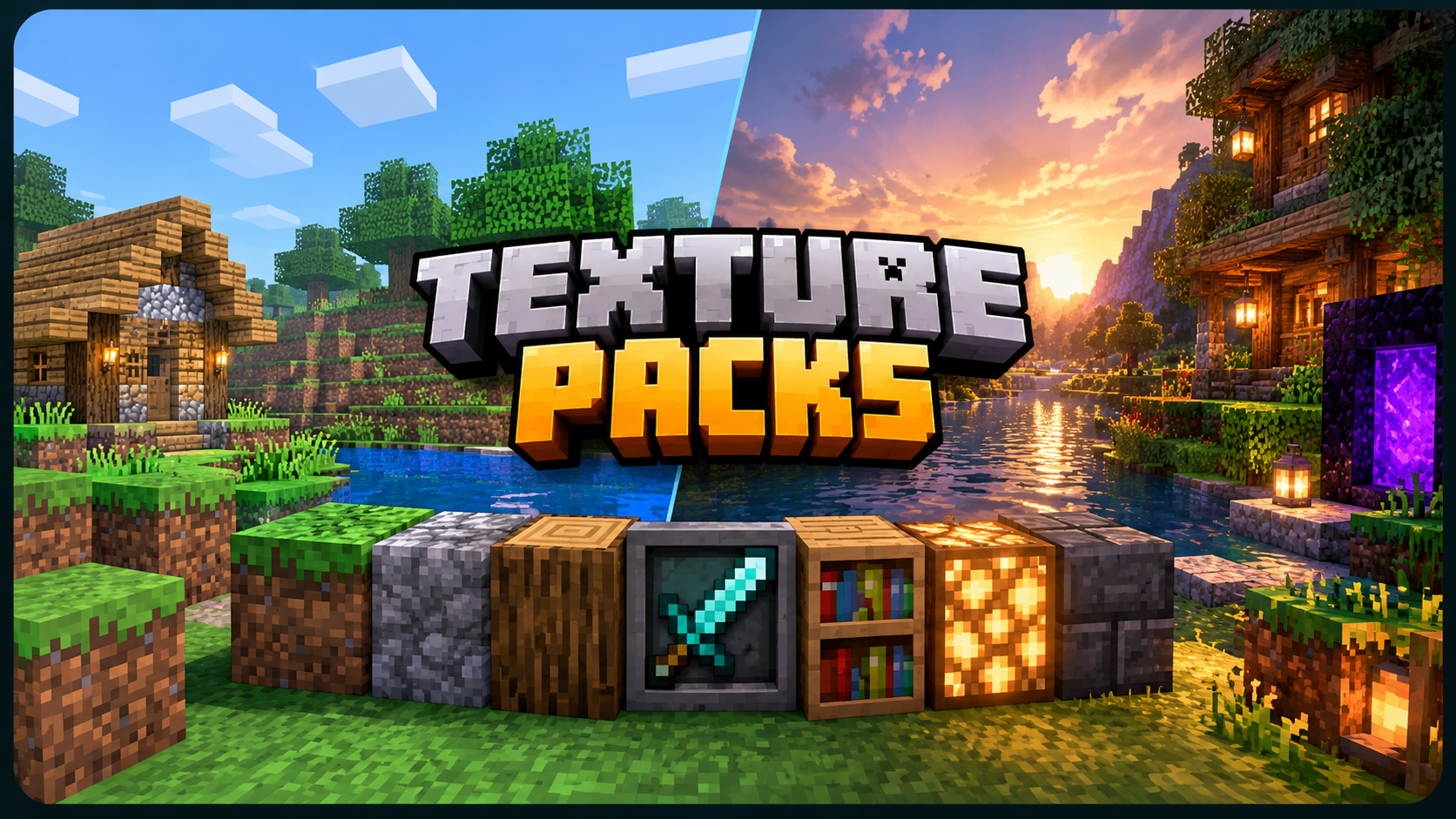
Minecraft Texture Packs
Learn how to install and use texture packs to customize your game's visuals.
Read Guide →
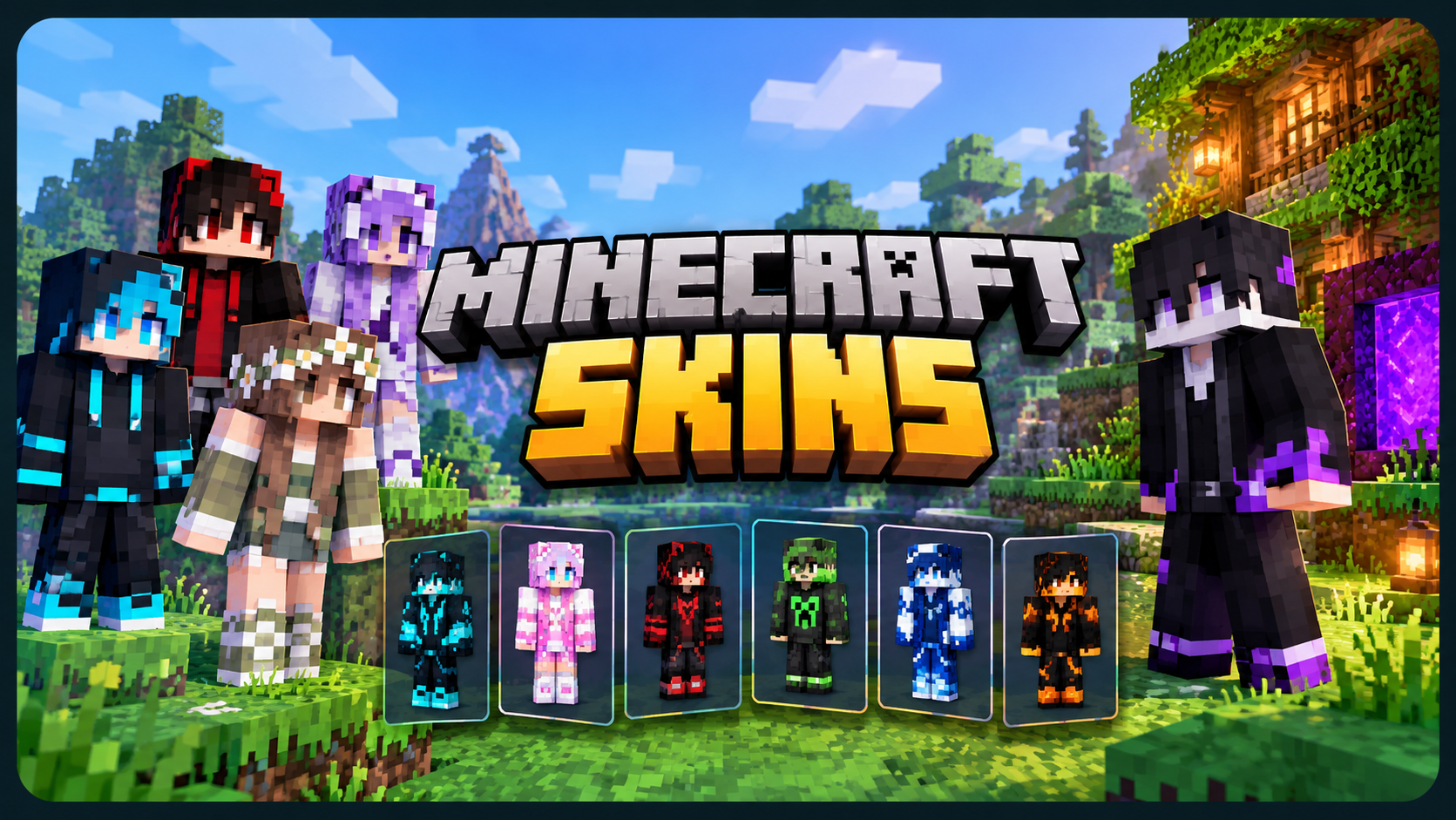
Minecraft Skins
Learn how to create, install, and use custom skins for your character.
Read Guide →
Survival Strategies That Actually Work
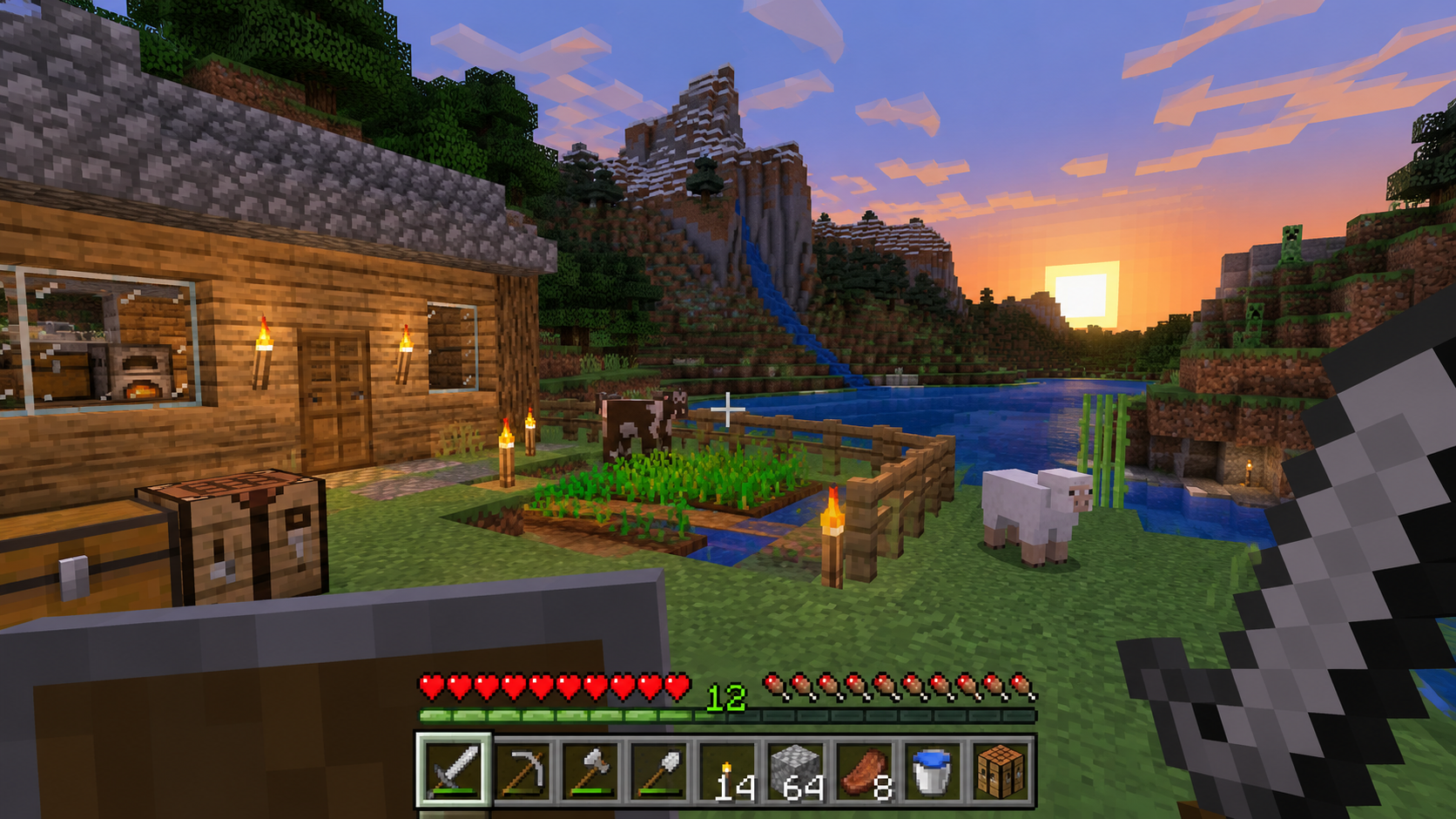
Survival mode is the core Minecraft experience. Here are essential tips:
- Gather Resources: Collect wood, stone, and food to survive your first night.
- Build a Shelter: Create a simple house or cave shelter to protect yourself from mobs.
- Craft Tools: Use your crafting table to create tools like pickaxes, axes, and swords.
- Explore Caves: Mine for diamonds, iron, and other valuable resources.
- Fight Mobs: Use your weapons and armor to defend against zombies, skeletons, and creepers.
Finding the Best World Seeds
Seeds are codes that generate specific worlds. Here are some popular seed types:
- Village Seeds: Spawn near villages for easy access to villagers and trading.
- Mountain Seeds: Discover beautiful mountain ranges and rare terrain.
- Ocean Seeds: Spawn near oceans for underwater exploration.
- Dungeon Seeds: Find structures filled with loot and challenges.
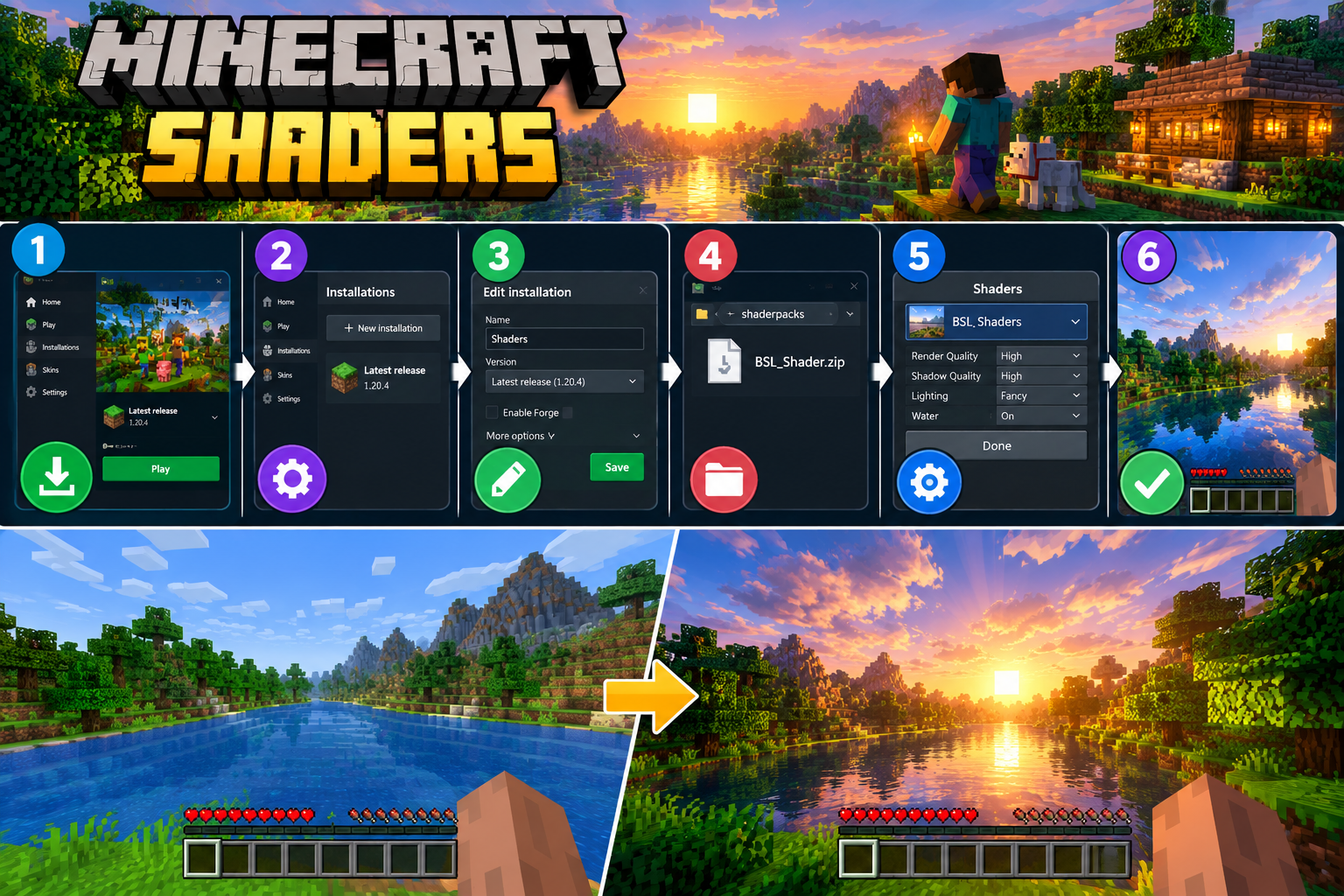
Enhancing Visuals with Shaders
Shaders enhance your game with realistic lighting, shadows, and effects. To install shaders:
- Install OptiFine or a shader loader.
- Download shaders from trusted sources.
- Place shaders in the `shaderpacks` folder.
- Launch Minecraft and enable shaders in the video settings.
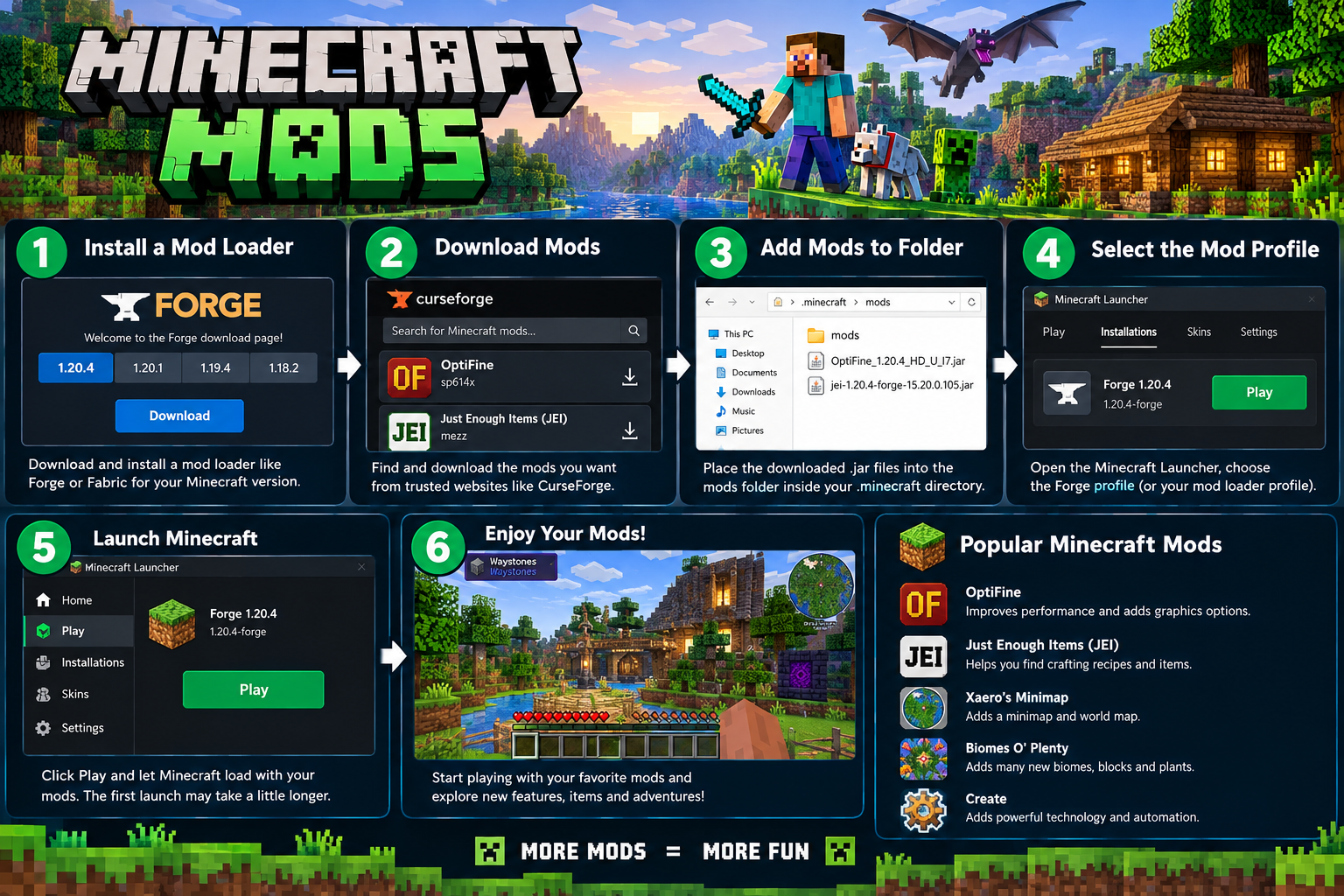
Modding Made Simple
Mods add new features and mechanics to your game. To install mods:
- Install Forge or Fabric matching your Minecraft version.
- Download mods from trusted sources like CurseForge.
- Place mods in the `mods` folder.
- Launch Minecraft with the Forge/Fabric profile.
Customizing with Add-ons
Add-ons customize your world for Bedrock Edition. To install add-ons:
- Download add-ons (`.mcaddon` or `.mcpack`) from trusted sources.
- Tap the file — Minecraft automatically imports it.
- Enable in World Settings — Go to Add-ons → Select the pack → Enable it.
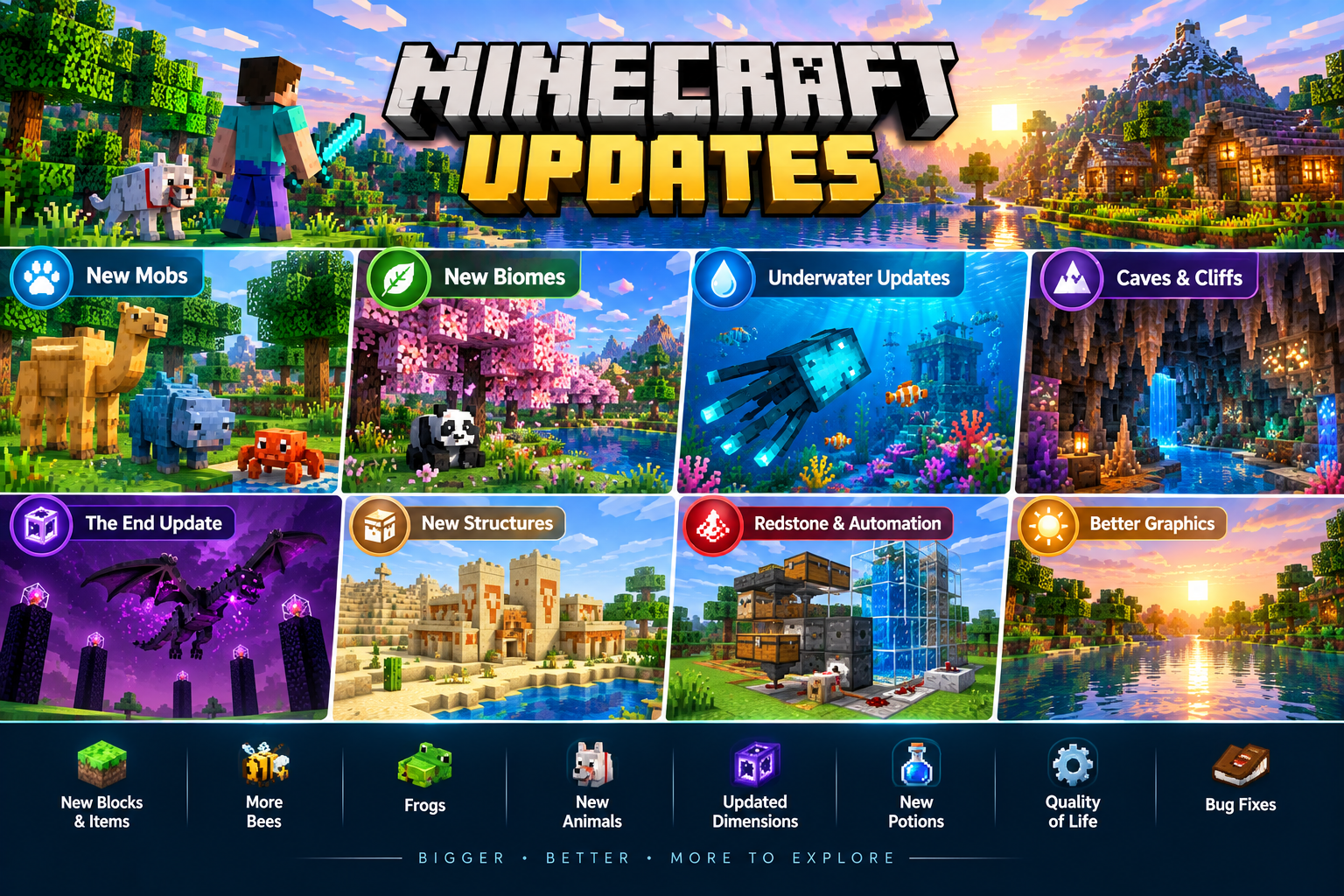
Staying Updated
Stay updated with the latest Minecraft versions:
- Check for updates in the launcher or app store.
- Read patch notes to learn about new features and fixes.
- Backup your worlds before updating to avoid data loss.
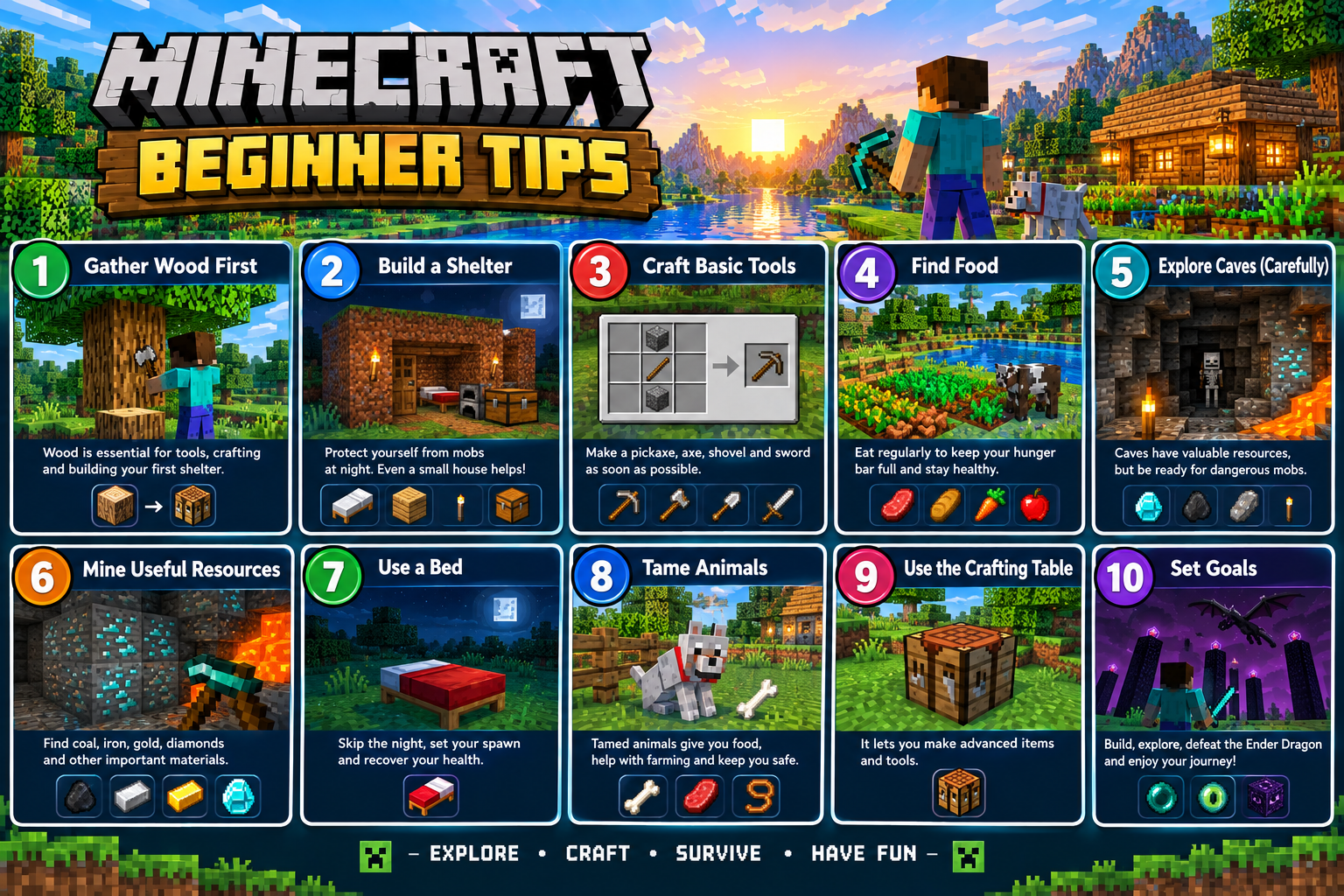
Getting Started as a Beginner
New to Minecraft? Here are essential tips to get started:
- Choose your game mode: Survival, Creative, or Hardcore.
- Learn the controls: Movement, mining, crafting, and building.
- Start small: Build a simple shelter and gather basic resources.
- Explore gradually: Don't rush into dangerous areas until you're prepared.
Creative Building Techniques
Learn essential building techniques to create amazing structures:
- Modern Houses: Use glass, concrete, and quartz for sleek designs.
- Classic Castles: Combine stone bricks, cobblestone, and wood.
- Interior Design: Use furniture mods or vanilla blocks for decorations.
- Lighting: Use lanterns, torches, and glowstone for ambiance.
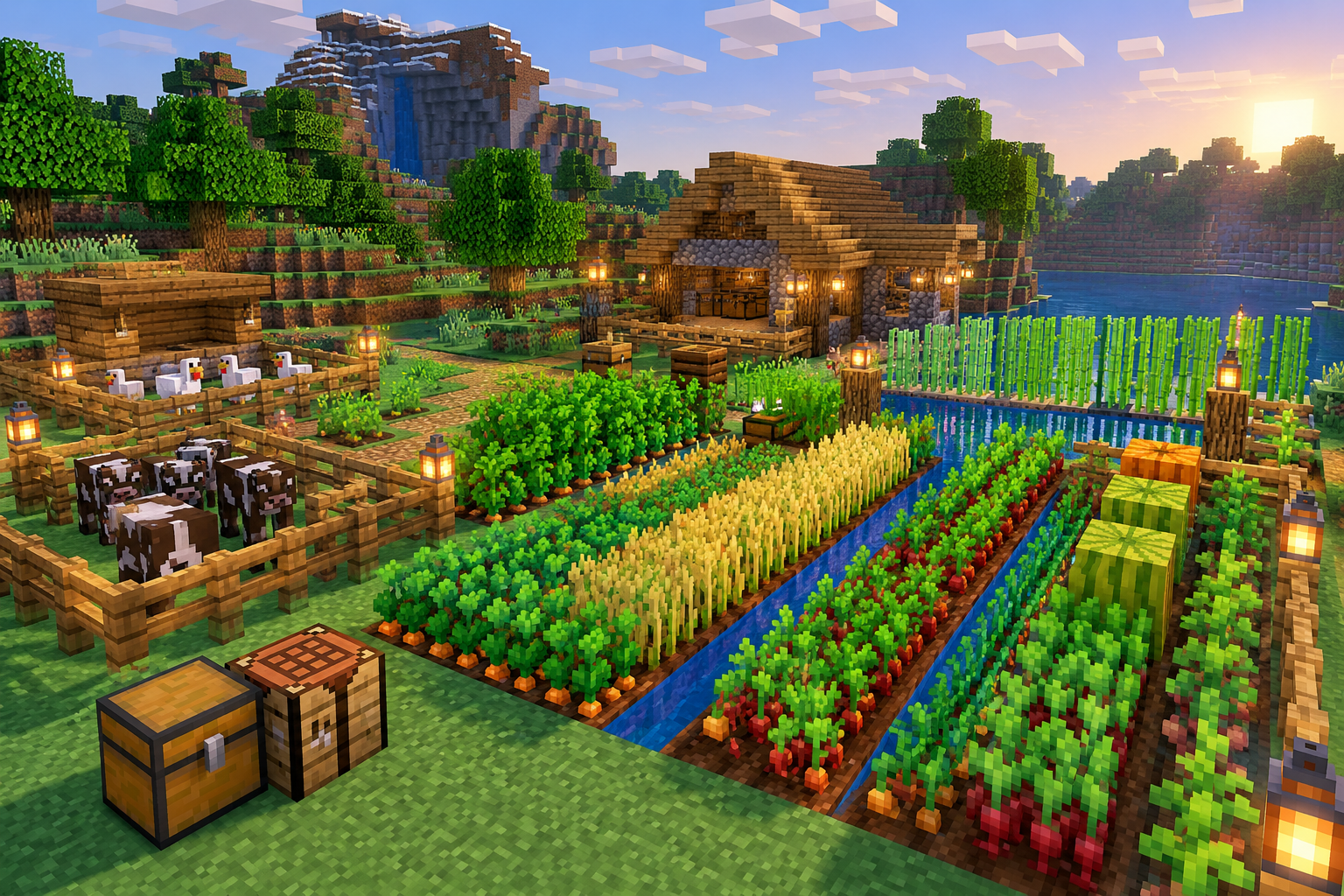
Efficient Farming Methods
Learn how to create efficient farms for food and resources:
- Crop Farms: Grow wheat, carrots, potatoes, and beetroot.
- Animal Farms: Breed cows, pigs, chickens, and sheep.
- Automatic Farms: Use redstone to create fully automated farms.
- Mob Farms: Create farms to collect drops from mobs.
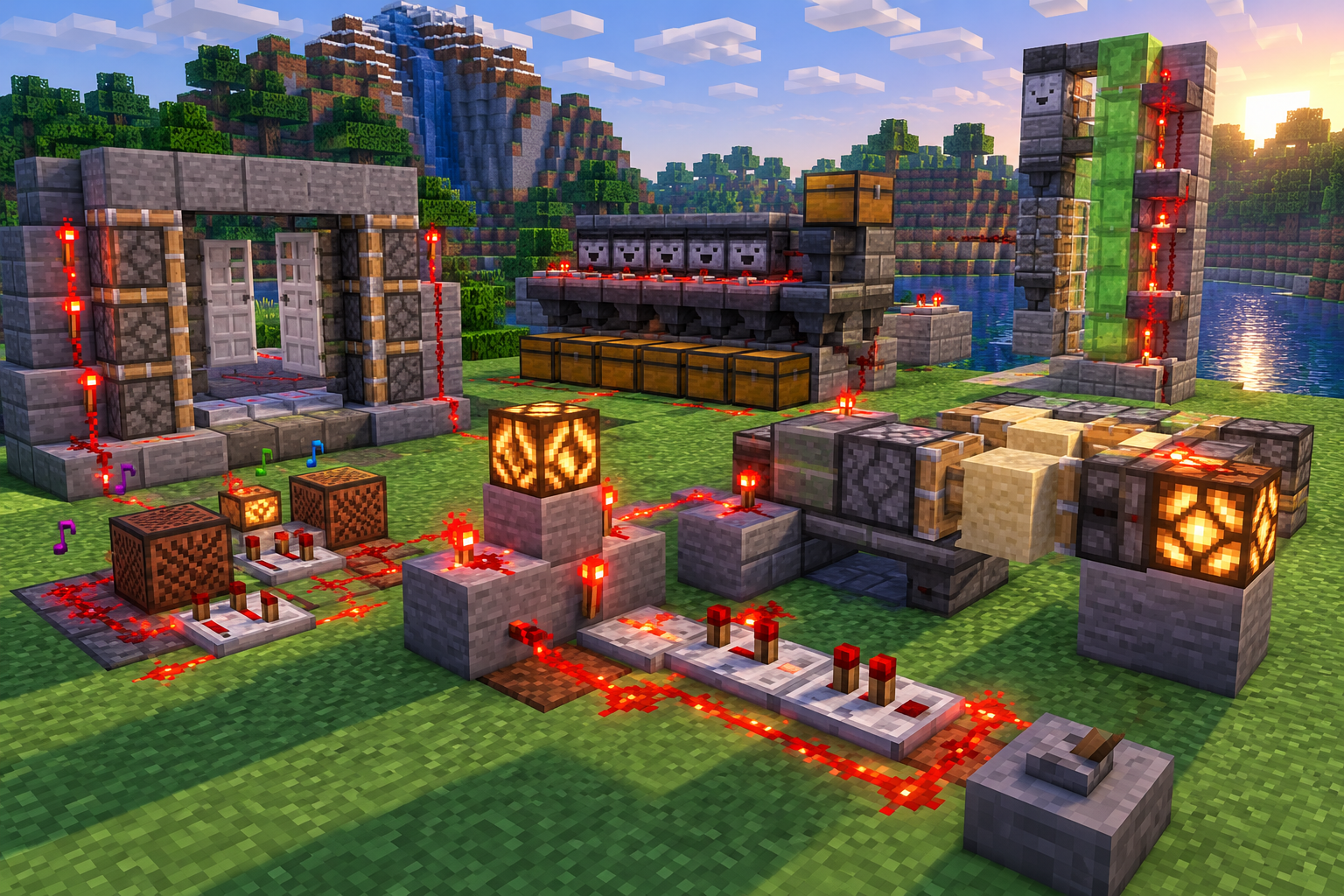
Redstone Basics and Beyond
Redstone allows you to create automated systems. Here are basics:
- Redstone Dust: Transmits power to connected components.
- Repeaters: Extend redstone signals and add delays.
- Comparators: Compare or subtract redstone signals.
- Pistons: Push and pull blocks automatically.
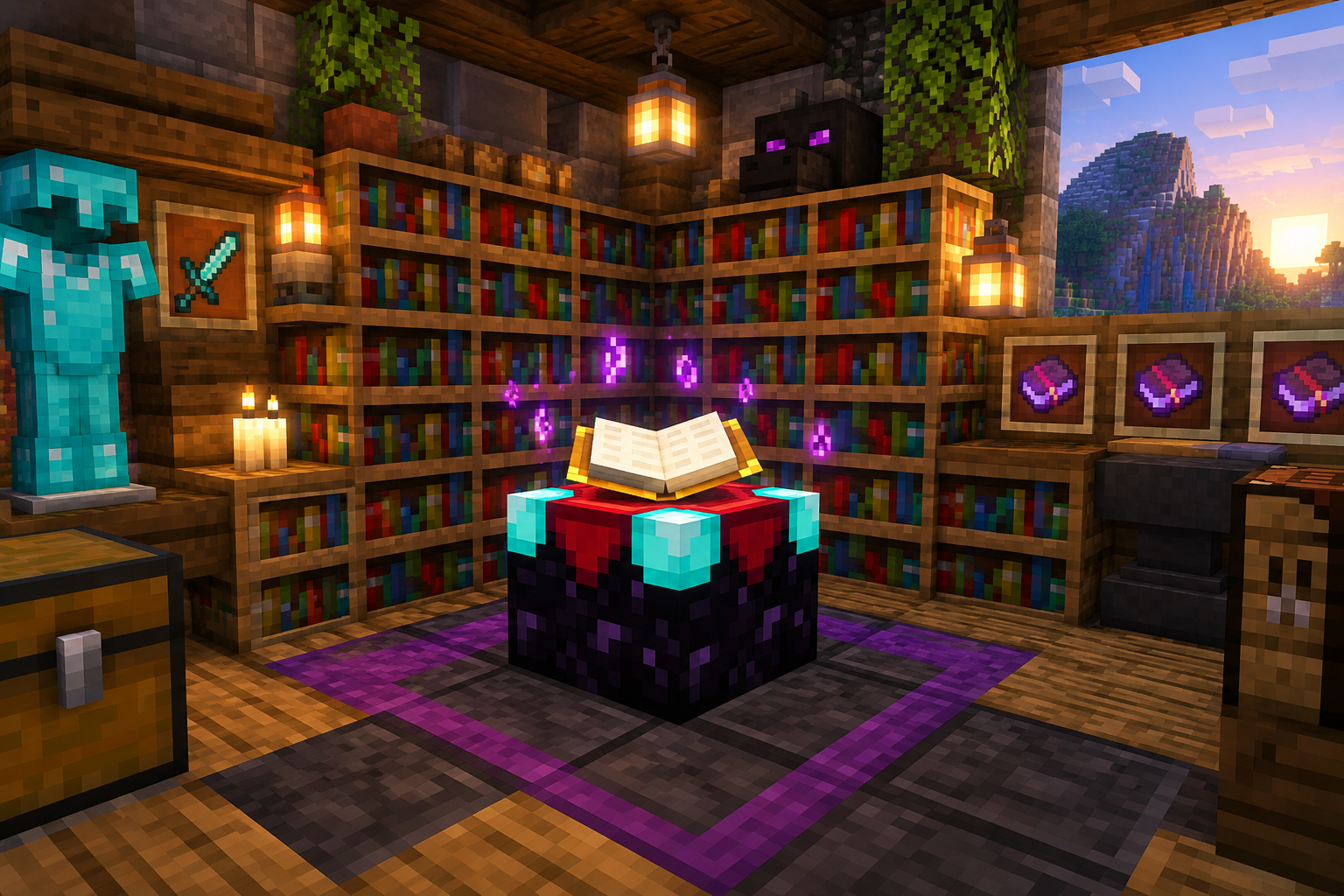
Powering Up with Enchantments
Enchant your gear to become powerful:
- Enchanting Table: Use lapis lazuli and experience levels.
- Bookshelves: Place bookshelves around the table for higher enchantments.
- Anvil: Combine enchanted items and books.
- Grindstone: Remove enchantments and get experience back.
Brewing Potions Like a Pro
Brew potions for various effects:
- Brewing Stand: Required for potion brewing.
- Nether Wart: Base ingredient for potions.
- Potion Effects: Healing, strength, speed, invisibility, and more.
- Splash Potions: Throw potions to affect areas.
Surviving the Nether
Learn how to survive and thrive in the Nether:
- Nether Portal: Build a portal with obsidian.
- Nether Fortresses: Find fortresses for blaze rods and wither skeletons.
- Netherite: Upgrade your diamond gear with Netherite.
- Ancient Debris: Mine ancient debris to craft Netherite.
Conquering the End
Defeat the Ender Dragon and explore the End:
- Ender Dragon: Defeat the boss to access the End Cities.
- End Cities: Explore for Elytra and shulkers.
- Elytra: Use for flying and exploration.
- End Gateway: Travel to the outer islands.
Mining Like a Professional
Discover the best mining techniques:
- Branch Mining: Efficiently find diamonds and rare ores.
- Cave Biomes: Explore lush caves, dripstone caves, and deep dark.
- Lighting: Always carry torches to prevent mob spawning.
- Safety: Bring food, water, and armor for long mining trips.
Advanced PvP Strategies
Learn advanced PvP techniques:
- Critical Hits: Jump and attack to deal extra damage.
- Block Hitting: Block attacks with your sword to reduce damage.
- Rod & Bow: Use rods and bows to control distance.
- Potions: Use potions for temporary buffs during fights.
Playing with Friends
Play with friends and join servers:
- LAN World: Play with friends on the same network.
- Server Hosting: Create your own server with Aternos or paid hosts.
- Public Servers: Join popular servers like Hypixel and Mineplex.
- Cross-Platform: Bedrock Edition supports cross-play with other devices.
Customizing Visuals with Texture Packs
Customize your game's visuals:
- Download Texture Packs: Find packs on CurseForge or Modrinth.
- Install: Place files in the `resourcepacks` folder.
- Activate: Enable the pack in the resource packs menu.
- Resolution: Choose from 16x, 32x, 64x, or 128x resolution packs.
Creating Custom Skins
Customize your character's appearance:
- Create Skins: Use online editors like Skindex.
- Install Skins: Upload skins to your Minecraft profile.
- Bedrock Skins: Download skins from the marketplace.
- HD Skins: Use 64x64 resolution skins for more detail.