Minecraft APK

Build, mine and survive in an endless blocky world on your Android phone. See what the game offers, what your device needs and how to install it safely.

Get it on Googlo Play How to install
minecraft game

Android 8+

Supported


Realms

Multiplayer

2 GB

Min RAM

Bedrock

Edition


Game modes
Minecraft APK

Creative

Unlimited blocks and flying. Build anything you can imagine.

hathori

Survival

Gather resources, craft tools and stay alive when night falls.

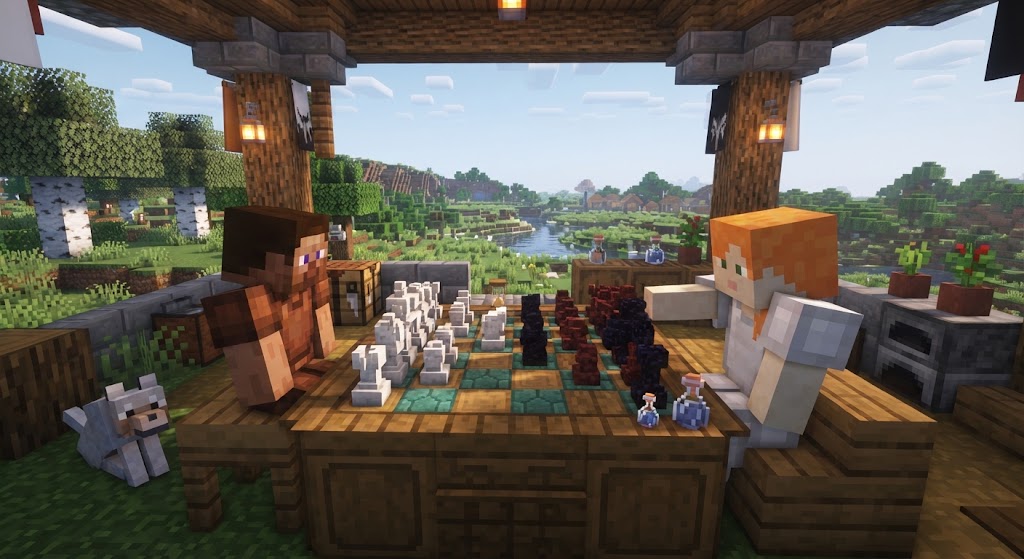
minecraft multiplar

Multiplayer

Join friends on Realms and servers across devices.
Build your world

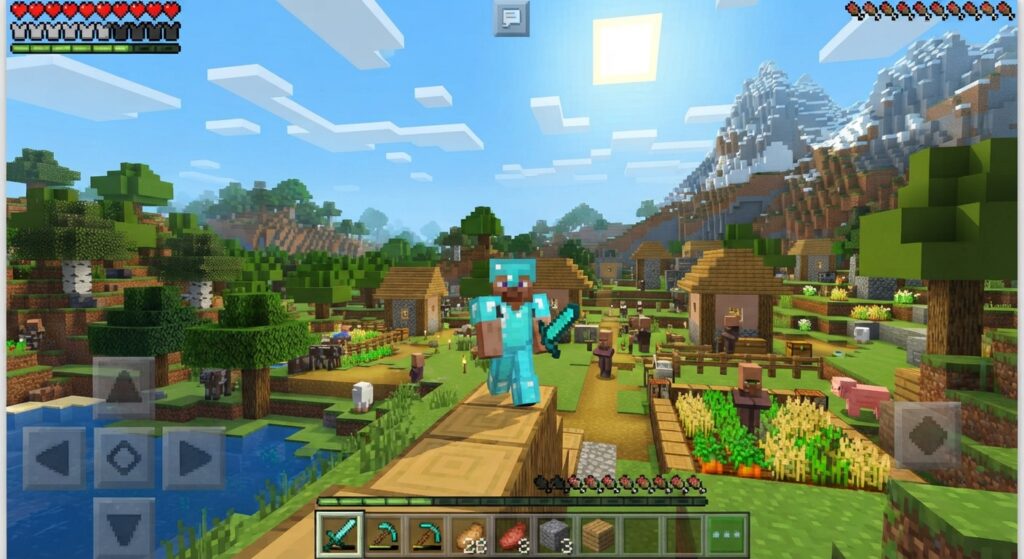
Start with a single tree, then craft a home, a farm and a village. Every block you place changes the landscape, and nothing is ever the same twice.


Mine and craft

Dig down into caves to find coal, iron, gold and diamonds. Use them to craft stronger tools, armor and more.


shtrang

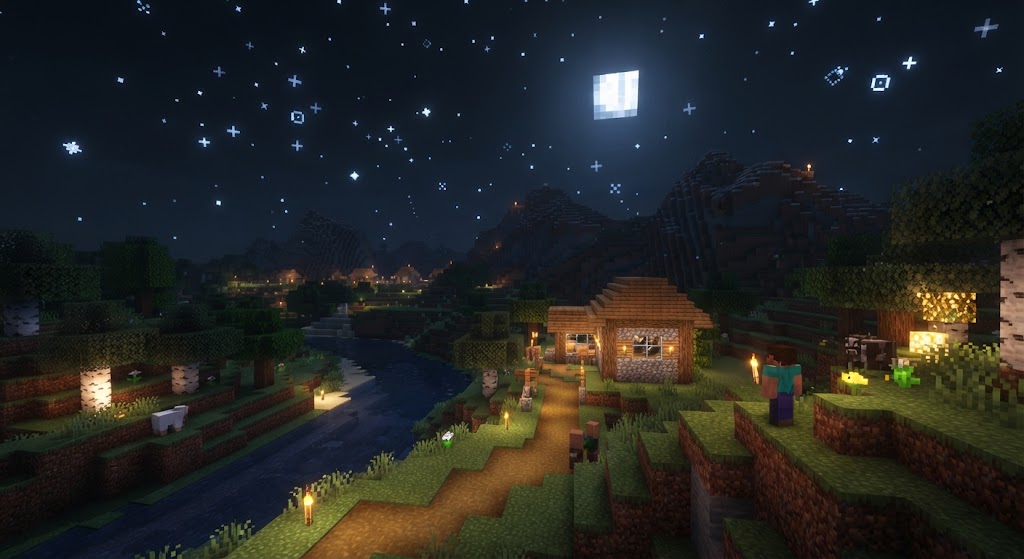
Survive the night

When the sun sets, dangerous mobs appear. Light up your base, build a shelter and be ready before dark.

Performance tips for low-end phones

  • Reduce Render Distance to 6 to 8 chunks in Settings > Video.
  • Turn off Fancy Graphics, Beautiful Skies and Smooth Lighting.
  • Close background apps and keep at least 2 GB of storage free.
  • Keep the game, Google Play Services and Android updated.
  • Avoid playing while charging at very low battery to prevent overheating.

Pros and cons

Pros

  • Huge creative freedom
  • Cross-platform play
  • Official updates
  • Works offline in single player

Cons

  • Paid game
  • Large file size
  • Can heat up older phones
  • Needs sign-in for online features

Requirements

Android

8.0 or higher

RAM

2 GB minimum, 4 GB recommended

Storage

About 2 GB free

Processor

64-bit ARM recommended

Price

Paid app on Google Play

How to install

1. Open Google Play and search for Minecraft by Mojang.

2. Tap Buy, then Install.

3. Open the game and sign in with a free Microsoft account.

4. Tap Play, create a world and choose Survival or Creative.

Avoid unknown APK files

Modified APKs from random websites can carry malware, steal accounts or break the game’s terms. The official listing is safe, updates automatically and keeps your worlds linked to your account.

FAQ

Yes. Pocket Edition was renamed Bedrock Edition.

Java Edition is for PC only. Bedrock runs on phones, consoles and Windows and supports cross-play.

Yes, with parental controls. Use the Microsoft Family settings to manage chat and online play.

The safest way to download Minecraft on Android is through the official Google Play Store. Search for Minecraft, verify that it is published by Mojang, and tap Install. Avoid unofficial APK files from unknown websites, as they may be modified, outdated, or unsafe.

The latest Minecraft APK version depends on the current Android release from Mojang. For the most up-to-date version, check the official Minecraft listing on Google Play or Mojang’s official channels. Using the latest official release helps ensure better compatibility, security, and access to new features and fixes.

Ready to start building?

Install the official game and start your first world today.

Go to Minecraft APK